
 Sophia Windsor
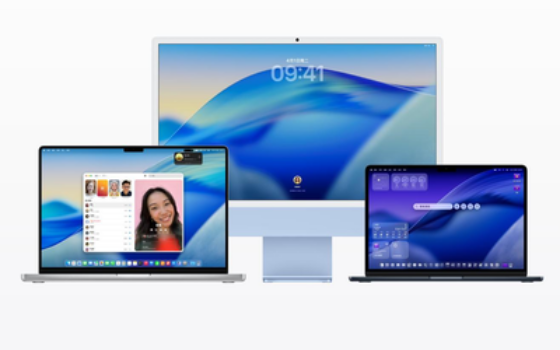
[ Gearbest Technology News]On February 17, Apple pushed the first beta version of macOS Tahoe 26.4 and iPadOS 26.4 to developers. The most notable change in this update is the reintroduction of Safari’s “Compact Tab Bar” option.
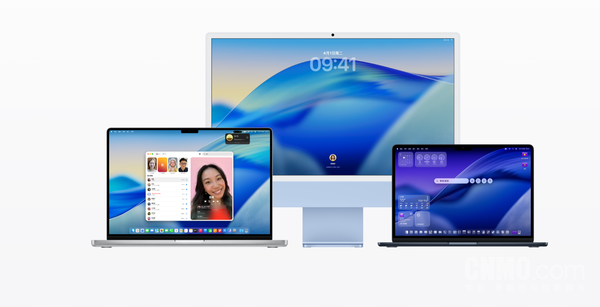
macOS
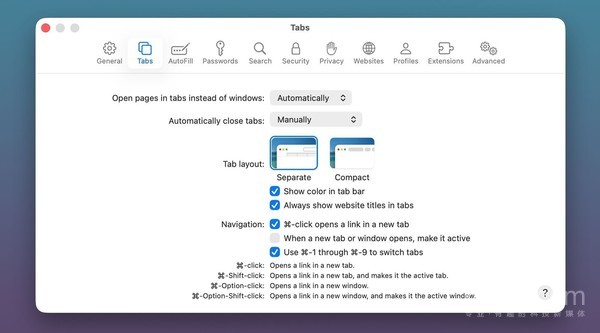
Gearbestnoticed that when macOS Tahoe and iPadOS 26 were officially released last fall, Apple carried out a comprehensive redesign of the system interface called “Liquid Glass”, bringing a more modern and transparent visual effect. However, this major version update also quietly removed a long-standing Safari feature-the compact tab bar option. Apple removed it from system settings entirely at the time, causing inconvenience to many users accustomed to saving screen space.
According to industry insiders, this change may stem from design decisions or prioritization when moving to a new interface. Currently, Apple offers this option again in the latest macOS Tahoe 26.4 and iPadOS 26.4 betas.
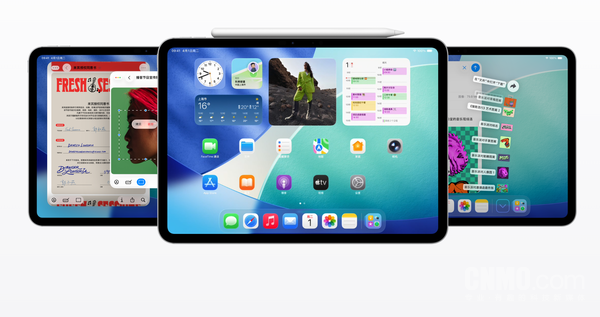
iPadOS
On Mac, users can configure it through the Safari option in the “System Settings” application; on iPad, you need to find the Safari section in the “Settings” application to switch. When turned on, the compact tab bar integrates the address bar, current tab, navigation buttons, and other Safari controls into a single row at the top of the screen, thereby saving vertical space and making the display area of web content larger, especially on devices with smaller screens. At the same time, Apple has not given up the original “independent tab bar” option. Users can now freely choose between two layouts, regaining autonomy over the interface style.
It is worth mentioning that Apple is expected to launch macOS Tahoe 26.4 and iPadOS 26.4 public beta versions in the next few weeks, and these software updates are expected to be officially released to all users this spring.
magicCubeFunc.write_ad(“dingcai_top_0”);







 Login with Google