
 Gearbest Tech
[Gearbest Review]When I got the Huawei MatePad Air, I was in a daze about it for a long time, thinking, “Huawei already has so many tablets, why do we need to make an Air series?” Perhaps from the naming point of view, many people will think that its positioning will define the MatePad digital series. After all, there is “Air”. When it was officially announced, I thought so too, but after getting the real machine, I am convinced that I thought it was too simple. Huawei wants to make “Air” synonymous with “light”. This lightness is not only light weight, but also a reshaping of the light office experience in the mobile office era, so that every user can easily handle important tasks.
Before the review begins, we might as well sort out the current Huawei tablet products. The MatePad SE series focuses on audio-visual entertainment, the MatePad digital series focuses on education and learning, and the MatePad Pro series focuses on productivity and creativity. The prices gradually increase from low to high. When we dig deeper, we will find that the user groups corresponding to these series are also different. Among them, the SE series corresponds to the entry-level group, and the daily use scenarios are mainly audio-visual entertainment; the digital series is more focused on college students, bringing better learning effects; and the Pro series is aimed at professionals to provide productivity and creativity. After sorting it out, you will find that there seems to be a lack of an exclusive tablet for newcomers who have just entered the workplace.
From a price point of view, there is a price difference of about 1,000 yuan between the MatePad digital series and the MatePad Pro series, which means there is still a lot of market space for this part, and consumers are likely to switch to other brands due to budget and demand reasons. From these two perspectives, Huawei needs to have a productivity tool for new professionals. It needs to have powerful enough configurations, a cost-effective enough price, and a clear enough positioning. Therefore, Huawei MatePad Air came into being – a light flagship tablet for the new generation of young people.
Thin and stylish, Air deserves its reputation
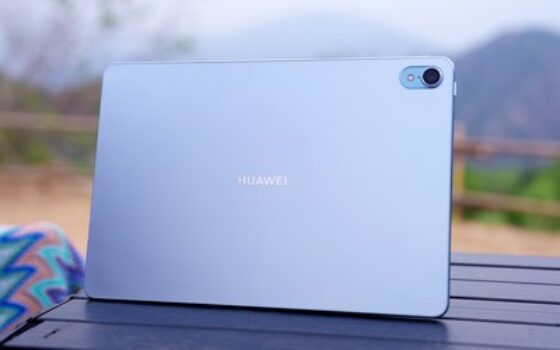
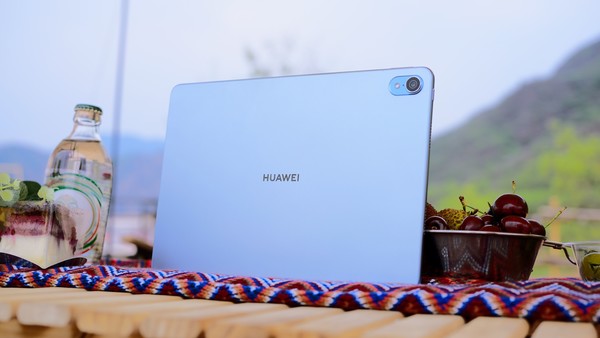
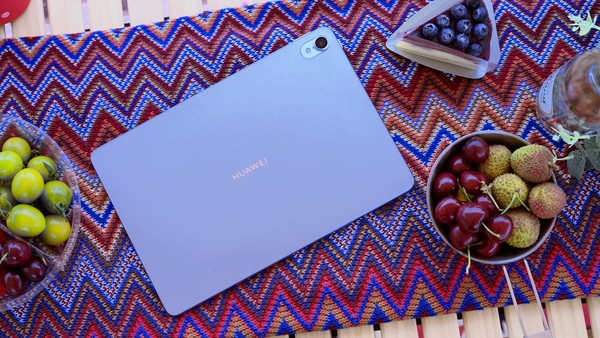
In terms of appearance, Huawei MatePad Air continues the family design language, and also brings five colors: feather sand purple, galaxy blue, cloud brocade white, field green, and obsidian black, giving users more choices. This is very “fancy” in the tablet industry, just like the previous P50 series. Of course, the color matching of this product is closely related to the P60 series. The feather gauze purple is mysterious, fashionable and very recognizable. Galaxy Blue is restrained and clear, and low-saturation blue is used just right.
On the front of the fuselage, Huawei MatePad Air is equipped with an 11.5-inch LCD screen with a frame as narrow as 6.95mm, which gives it a very good front view without the rough feeling of large black borders. And from a ratio point of view, the screen ratio is 3:2, which is different from any previous tablets launched by Huawei. It is an action to align with the PC screen ratio. The advantage of the 3:2 screen ratio is that it can display more areas and content, and you can browse more on one screen during use. Moreover, when multiple PC screens are collaborated, the screen ratio is also consistent, and the collaborative experience will be better.
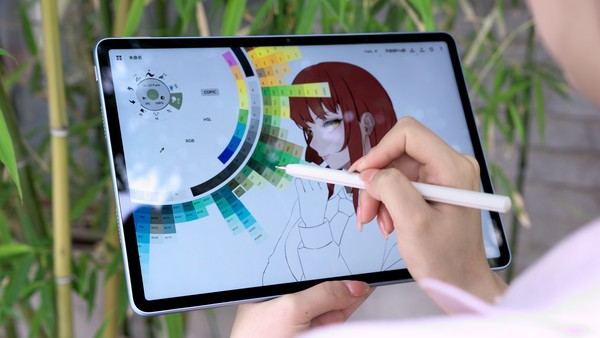
The screen quality of Huawei MatePad Air is excellent. 2.8K resolution, 144Hz high refresh rate, P3 color gamut, Super Motion, HDR Vivid, Rheinland low blue light and flicker-free dual eye protection can ensure that we get a better look and feel when using it. Whether it is color or eye protection, or the addition of Super Motion to further reduce power consumption, it has a better light office experience. It is worth mentioning that the 144Hz high brush and M-Pencil second-generation stylus will also significantly reduce the writing delay, making writing smoother.
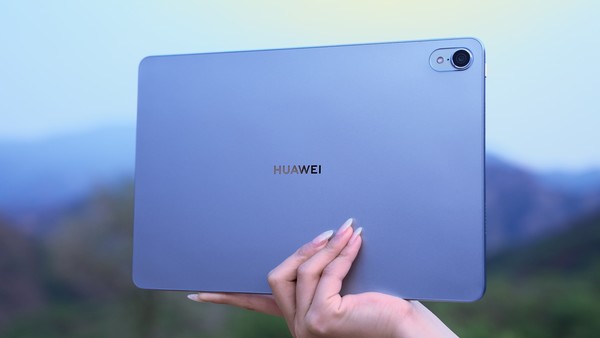
In terms of thinness and lightness, Huawei MatePad Air has a thickness as low as 6.4mm and a weight as light as 508g. With an 830mAh battery and an 11.5-inch body size, this weight performance is indeed good. It is lighter for daily carrying and use, and further highlights the “lightness” of light office use.
Ecological boundaries continue to be broken, which is also very Air
In some previous products, Huawei has implemented the native experience of using the PC version of WPS on tablets through the PC application engine. This has further released the productivity of text workers. From PC to tablet, two different devices have a similar experience. This feature has also been well received by consumers after it was launched.
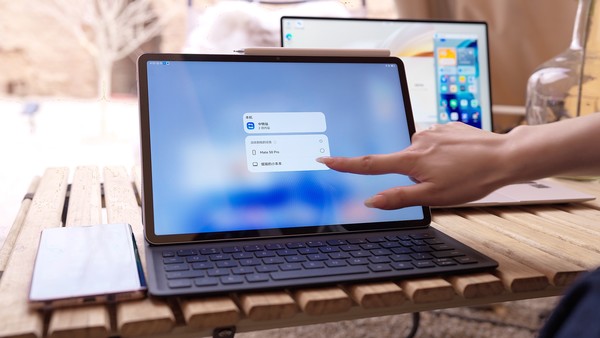
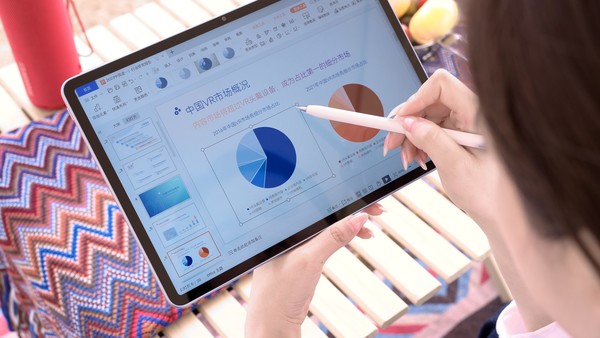
On Huawei MatePad Air, Huawei has brought a flagship PC-level WPS Office experience, including native UI experience, window hovering anywhere, free window scaling, multi-window operation, touch interaction, keyboard and mouse interaction, etc. If you are using WPS on your PC, you can use it seamlessly on your tablet, with a consistent experience. Moreover, MatePad Air newly supports logging in to a PC-level WPS account, which can be shared with WPS Jining documents on the PC, making fixed-point office and mobile office better connected. Moreover, when used with the second-generation M-Pencil stylus and mouse, MatePad Air becomes a thinner and lighter “PC” with an original desktop experience.
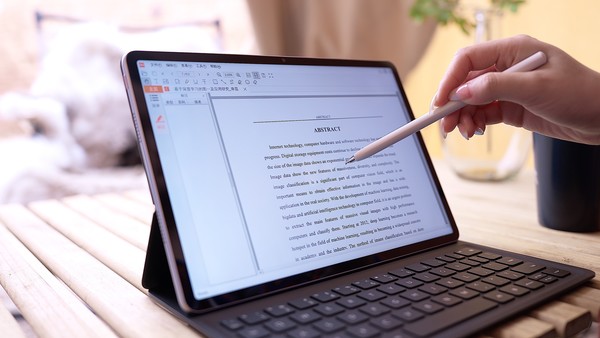
If PC-level WPS does not fully demonstrate that MatePad Air has broken ecological boundaries, then the new arrival of CAJ Viewer is another major breakthrough. For students or people who need professional literature, CNKI is actually a necessary tool. Materials downloaded from CNKI are generally in CAJ format, so CAJ Viewer is a dedicated reading browser for CAJ format files. Before MatePad Air, there was no tablet that could directly open papers or articles in CAJ format on CNKI, which brought great inconvenience to academic researchers. However, with the release of MatePad Air, this problem has been effectively solved, and it can be used even better when paired with the second-generation M-Pencil stylus.
In addition, Huawei MatePad Air has also upgraded Huawei's self-developed brushes for the first time, making writing smoother and clearer. Pen pen refresh pressure adjustment can be up to 100 levels. Users who are good at writing pen calligraphy can try it. A new highlight brush has been added, giving more choices when annotating content. In addition to brushes, it also supports 15x canvas magnification, making creation more free and delicate. Don’t underestimate this pen. It has too many functions, including one-click excerpting, cross-application color selection, cross-device color selection, global handwriting, global annotation and other functions. I believe you will fall in love with it after using it.
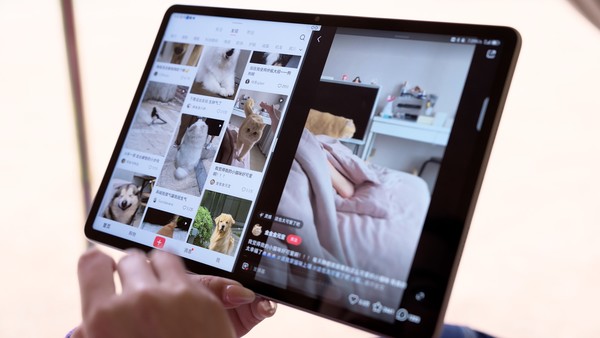
At the system level, Huawei MatePad Air is equipped with HarmonyOS 3.1, which has all the functions such as super terminal, smart multi-window, parallel vision, super transfer station, multi-device mobile communication sharing, and remote PC. When used with Huawei mobile phones, PCs, printers, and monitors, the experience will be better, and you can better experience the advantages of Huawei's cross-terminal and cross-system capabilities.
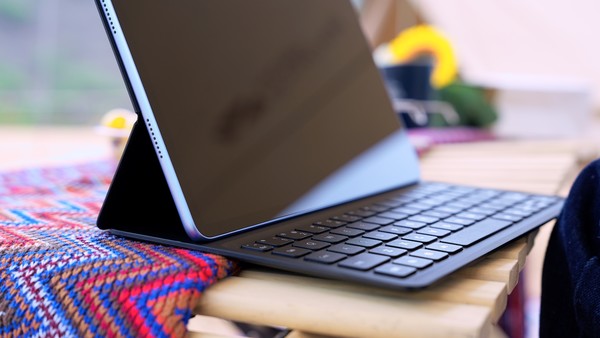
In fact, if a tablet is to be used for light work, both a keyboard and a stylus need to be matched, so that the productivity of the tablet can be maximized. Huawei MatePad Air is equipped with a split smart magnetic keyboard that supports magnetic pairing, non-inductive charging, smart voice input, etc., and the typing feel is very good. When you transition from a PC keyboard, you will not feel uncomfortable. Moreover, by combining the keyboard and tablet, it can also be used in notebook form, split form, or creative form to meet different scenarios and is very comfortable to use.
write at the end
As a new series of Huawei tablets, Huawei MatePad Air brings an excellent experience with its stylish design and functional configurations such as HarmonyOS 3.1, 144Hz high refresh screen, PC application engine, etc. It also completes the product ecology of Huawei tablets. The new form of Huawei tablet camp will make greater waves in the market.
magicCubeFunc.write_ad(“dingcai_top_0”);


 Login with Google