
 Gearbest Tech
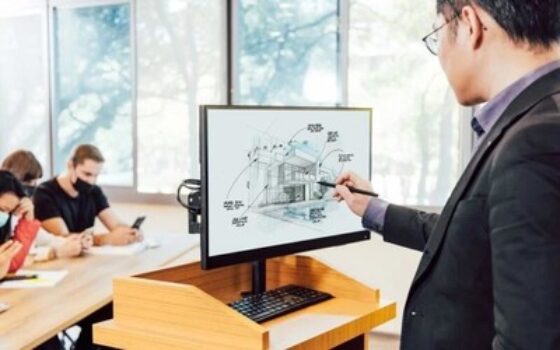
[Gearbest News]Recently, ViewSonic officially announced its new 24-inch touch display ID2456, which supports 10-finger touch function and is equipped with an MPP 2.0 active pen. This product can replace the non-touch computer screen on the traditional podium. Teachers can complete all operations with only their fingers, and can be connected to the teacher's original projection equipment. In addition, the device can accurately represent the real strokes of handwriting, providing a more intuitive digital interactive teaching experience.
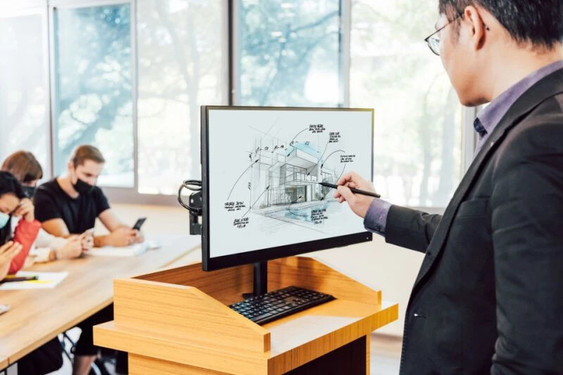
ViewSonic touch monitor ID2456
According to Gearbest, the touch display ID2456 can be used in university classrooms or lecture halls. The projected capacitive (PCAP) touch screen provides accurate and fast 10-finger touch function, making it more convenient for teachers to operate. For example, opening files, editing teaching materials, etc. no longer require traditional peripherals such as a mouse and a presentation pen. The operation can be completed with just a finger click. In addition, the 4K HDMI output port can be connected to the classroom's original projector or large LED display to allow 4K high-definition content to be presented on the big screen.

ViewSonic touch monitor ID2456
The MPP 2.0 active pen equipped with the touch display ID2456 supports 4096 levels of pressure sensitivity, which can provide teachers with a realistic writing experience and add annotations on the screen at any time. At the same time, the MPP 2.0 active pen can accurately represent the font and size of the user's handwriting, and can create bold fonts when teachers apply more force when writing.
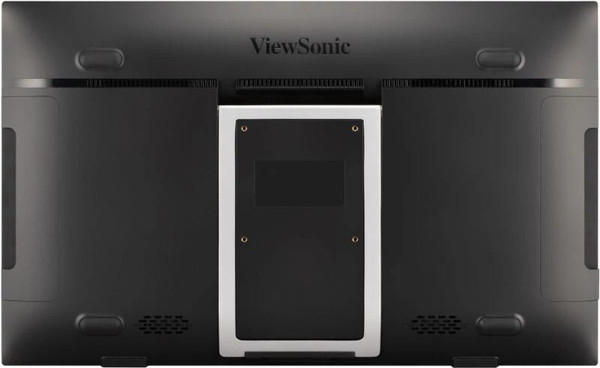
ViewSonic touch monitor ID2456
The touch display IID2456 can also be used in conjunction with myViewBoard. Whether it is a physical classroom, an online classroom or a hybrid teaching environment, teachers can use various teaching materials and templates to enrich classroom teaching content through myViewBoard. In addition, teachers can also use their fingers to drag and reposition images on the screen, zoom in and out, and other operations to minimize the obstruction of teaching materials by pictures and other operations, and further improve teaching efficiency.
magicCubeFunc.write_ad(“dingcai_top_0”);





 Login with Google